Markdown is a writing syntax designed to get out of the way so you can focus on writing. em's implementation takes Markdown to the next level by adding customized support for Ghost's editor cards.
This document contains all of the Markdown formatting options available in em so you can learn the syntax and see what it looks like in the Reader.
You can access the Markdown selector by typing / in an em document so you don't have to remember any of this if you don't want to.
Headings
em supports up to six levels of headings:
Renders as
Heading 1
Heading 2 (After a Heading 1)
Heading 2 (Not after a Heading 1)
Heading 3
Heading 4
Heading 5
Heading 6
Markdown
# Heading 1
## Heading 2 (After a Heading 1)

## Heading 2 (Not after a Heading 1)
### Heading 3
#### Heading 4
##### Heading 5
###### Heading 6markdown
Notice that em has a special style when an H2 (##) immediately follows an H1 (#). It's very blog-coded for a reason.
Text Formatting
Renders as
em’s customized Markdown supports links[1], italics, bold, bold italics, strikethrough, highlights, inline code, #hashtags, and footnotes1.
1: Footnote Text.
Markdown
em’s customized Markdown supports [links](https://justincox.com/), *italics*, **bold**, ***bold italics***, ~~strikethrough~~, ==highlights==, `inline code`, #hashtags, and footnotes[^1].

[^1]: Footnote Text.markdown
Note: Ghost does not support strikethrough, highlights, or inline #hashtags.
Quotes
em supports block quotes and pull quotes:
Renders as
This is a block quote. It's typically used to highlight text someone else wrote that you're quoting or citing. Block quotes support links[1], italics, bold, bold italics,
strikethrough, highlights,inline code, #hashtags, and footnotes1.
Markdown
> This is a block quote. It's typically used to highlight text someone else wrote that you're quoting or citing.

>> This is a pull quote. It's typically used to highlight text from somewhere else in the current document.markdown
Lists
em supports both unordered and ordered list types:
Renders as
- This is an unordered list item.
Markdown
- This is an unordered list item.
  - It's represented by a simple bullet.
    - You can change the bullet styles in em's Settings.
  - Unordered list items support [links](https://justincox.com/).

1. This is an ordered list item.
  2. It's represented by a number or letter.
    3. You can change the style in em's Settings.
  3. Ordered list items support [links](https://justincox.com/).markdown
em also supports tasks (though, they Ghost does not). Pro tip: you can check and uncheck tasks in the Reader and they update the Markdown in the Editor!
Renders as
- A task waiting to be completed
- A completed task
Markdown
- [ ] A task waiting to be completed
- [x] A completed taskmarkdown
Tables
em supports tables with alignment formatting:
Renders as
| Header | Header | Header |
|---|---|---|
| Left Aligned Content | Center Aligned Content | Right Aligned Content |
| Content | Content | Content |
Markdown
| Header | Header | Header |
| :--- | :----: | ---: |
| Left Aligned Content | Center Aligned Content | Right Aligned Content |
| Content | Content | Content |markdown
Dividers
em supports two versions of dividers that both render the same way:
Renders as
Markdown
***
---markdown
Code Blocks
em supports dedicated code bocks and highlights syntax for certain code formats. Spoiler alert, you’ve been looking at a lot of Markdown code blocks in this document so far!
Renders as
enum PreviewTypographyDefaults {
    static let contentMaxColumns = 70
    static let firstLineIndent: CGFloat = 0
    static let lineHeightMultiple = 1.0
    static let paragraphSpacing: CGFloat = 14
}swift
Markdown
```swift
enum PreviewTypographyDefaults {
    static let contentMaxColumns = 70
    static let firstLineIndent: CGFloat = 0
    static let lineHeightMultiple = 1.0
    static let paragraphSpacing: CGFloat = 14
}
```markdown
em also supports HTML blocks which embed HTML into the page when synced to Ghost. In em, these look like typical code blocks.
Renders as
<div>This is raw HTML content</div>HTMLMarkdown
:::html
<div>This is raw HTML content</div>
:::markdown
Images
em supports image and galleries. Note that the Load External Content setting must be turned on in em's Reader Settings or remote images will not display. em is always thinking about your privacy.
Renders as

Markdown
markdownWide image width:
Renders as

Markdown
:::image
source: https://images.unsplash.com/photo-1776695799247-b15851a1aa2d
caption: Wide Width Image Caption (martin bennie / Unsplash)
width: wide
:::markdown
Full image width:
Renders as

Markdown
:::image
source: https://images.unsplash.com/photo-1766548729668-30bd92a37856
caption: Full Width Image Caption (Venti Views / Unsplash)
width: full
:::markdown
Image gallery:
Renders as




Markdown
:::gallery
sources: https://plus.unsplash.com/premium_photo-1784809463929-68bb69503357, https://plus.unsplash.com/premium_photo-1786551854346-c47b56c64156, …
alts: Fellipe Ditadi, Benjamin Taman, T, Rafael Peier, Sara Canonici, and Kestner Brae (KB) De Vera
caption: Image Gallery (… / Unsplash)
width: wide
:::markdown
Media
em also supports multiple file types, including video:
Renders as
Markdown
:::ghost-card embed
title: Maarva's Message
url: https://www.youtube.com/watch?v=TaKrm5txGCQ
caption: Video Caption
:::markdown
Audio:
Renders as
Markdown
:::audio
url: https://soundcloud.com/noshuniverse/nemiks-manifesto-freestyle-1
title: Nemik's Manifesto
:::markdown
and literal files:
Renders as
Markdown
:::file
url: https://justincox.com/content/files/2023/05/worksheets.pdf
title: Write Now Worksheets
:::markdown
Callouts
em supports callouts to really get your point across! Each one can support an emoji or not, it's up to you.
Renders as
inline code, #hashtags, and footnotes1 in callouts.Markdown
:::ghost-card callout
emoji: 😂
color: #007AFF
Blue is a sad color, but it doesn't have to be!
:::

:::ghost-card callout
color: #4E7C61
It should go without saying, but green is the best color.
:::

:::ghost-card callout
emoji: 👤
color: #FFCC00
Callouts support any HEX color code, [links](https://justincox.com/), *italics*, **bold**, and ***bold italics*** in Ghost. In addition, em also supports ~~strikethrough~~, ==highlights==, `inline code`, #hashtags, and footnotes[^1] in callouts.
:::

:::ghost-card callout
emoji: ⚠️
color: #FF3B30
Callouts also make great warnings in your documents.
:::markdown
Interactive Blocks
em supports multiple interactive elements that render well on a connected Ghost site.
Buttons:
Renders as
Markdown
:::button
title: I'm a Button!
url: https://justincox.com/
alignment: center
:::markdown
Toggles:
Renders as
Toggle Card
Markdown
:::toggle
title: Toggle Card
Make text unfold when clicked!
:::markdown
Bookmarks:
Renders as

Markdown
:::bookmark
url: https://justincox.com/
title: Justin Cox
description: Justin Cox is a Star Wars-loving, word-writing, nonprofit educator in Orlando, FL.
thumbnail: https://justincox.com/content/images/size/w256h256/format/jpeg/2023/12/IMG_1460-1.JPG
caption: Bookmark Caption
:::markdown
Header:
Renders as
Markdown
:::header
style: dark
alignment: left
title: Check out This Just In
subtitle: That's Justin's Somewhat Regular Newsletter
url: https://justincox.com/
button: Read
:::markdown
Products:
Renders as
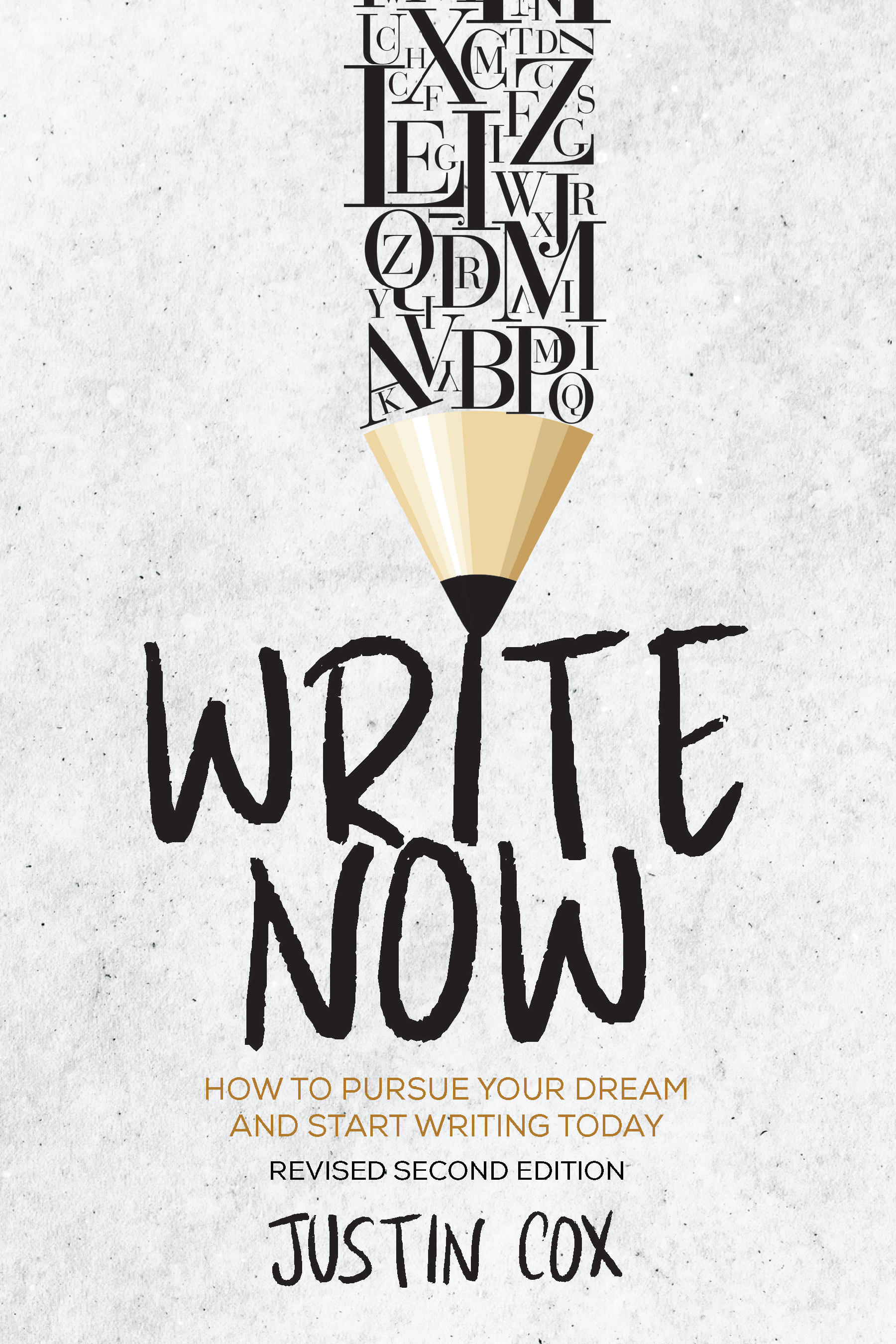
Markdown
:::product
title: Buy My Book!
description: I wrote a book on writing. It's pretty meta.
image: https://justincox.com/content/images/2025/07/Cover---Front.png
rating: 4
url: https://justincox.com/book/
button: Buy My Book
:::markdown
Ghost Membership and Newsletter Formats
em supports multiple features that are specific to Ghost emails or membership content, including email-only content:
Renders as
{first_name, "there"},
Email Only
Markdown
:::email
Hey `{first_name, "there"}`,
:::markdown
Paywall dividers:
Renders as
Markdown
:::paywall
:::markdown
Email-Only CTA:
Renders as
Thanks for reading, {first_name, "friend"}!
Enjoyed this post? Leave a one-time tip to help fund more writing like this. And let me know what you think by hitting reply.
Leave a TipMarkdown
:::email-cta
segment: free
alignment: left
showButton: true
showDividers: true
button: Leave a Tip
buttonUrl: https://tip.justincox.com/
Thanks for reading, {first_name, "friend"}!

Enjoyed this post? Leave a one-time tip to help fund more writing like this.
:::markdown
Universal CTA:
Renders as
Thanks for reading this post. Consider supporting the writer.
Leave a TipMarkdown
:::cta
layout: immersive
color: accent
alignment: center
showButton: true
showDividers: true
sponsor: true
buttonText: Leave a Tip
buttonUrl: https://tip.justincox.com/
buttonColor: #000000
buttonTextColor: #ffffff
linkColor: text
webAnonymous: true
webFree: true
webPaid: true
emailFree: true
emailPaid: true
Thanks for reading this post. Consider supporting the writer.
:::markdown